Templia
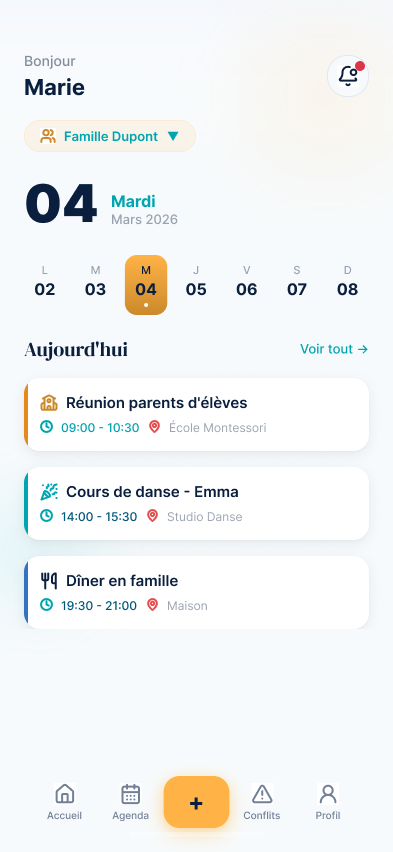
Smart family calendar with hospital schedule OCR recognition, AI-powered conflict detection, and a kid-friendly interface.
The project
Families with complex schedules (healthcare workers on 3/7-day shifts, shared custody arrangements, children's multiple activities) struggle to coordinate their schedules. Existing solutions don't understand rotating schedules.
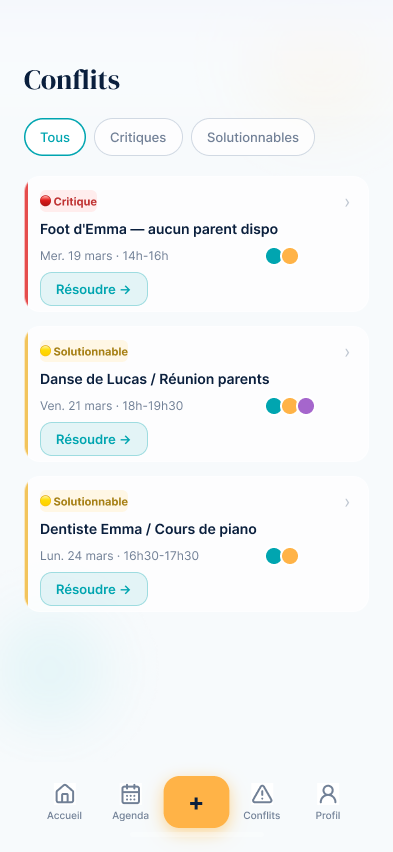
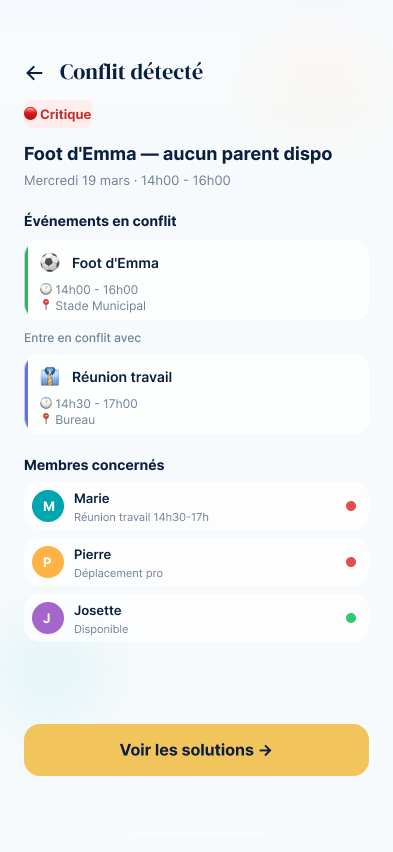
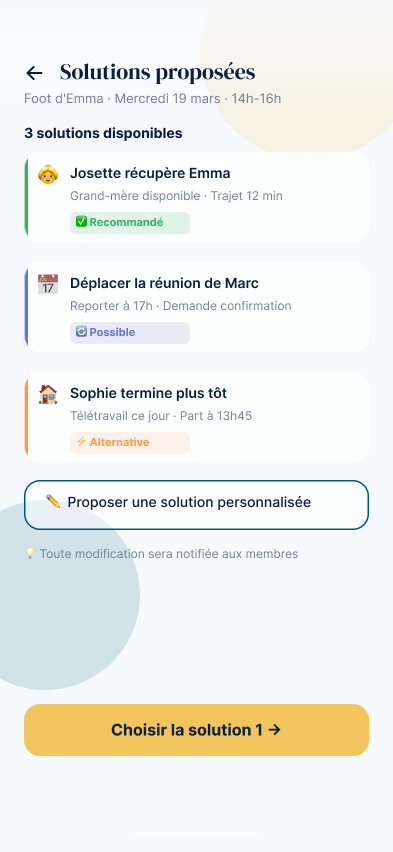
Templia automatically recognizes hospital schedules via OCR, detects conflicts using AI before they happen, and offers a tailored interface for each family member.
Design Process
Templia started as part of my Google UX Design — Design Thinking certification (Coursera), but the problem isn't theoretical. I've personally lived the coordination of non-standard schedules — rotating hospital shifts (3/7 days) and flexible schedules on the family side — and I've regularly seen, among people close to me, how shared custody between separated parents can create scheduling mix-ups.
The trigger was concrete: picking up a child from school who wasn't mine, because their separated parents had miscoordinated on who was supposed to be there that day. That's not an isolated case — it's a symptom of a real lack of tooling for families with non-standard schedules.
Analysis of 9 competing apps (Cozi, FamCal, OurFamilyWizard, TimeTree, FamilyWall, Picniic, Google Calendar, Cupla, OurHome) based on real reviews — App Store, Google Play, Trustpilot, Capterra, Reddit, Mumsnet. Goal: identify recurring frustrations left unresolved by existing offerings, rather than starting from a blank page.
Conclusion: no existing solution covers granular privacy, proactive conflict detection, OCR schedule scanning, remote-work/travel visibility, and a kid-friendly interface all at once — that gap is exactly what defines Templia's positioning.
Six frictions shape this problem: too many disconnected tools, children left out of the organization, poorly handled privacy in blended families, schedule conflicts detected too late, work schedules received as images and copied by hand, and remote work or travel poorly represented in traditional calendars.
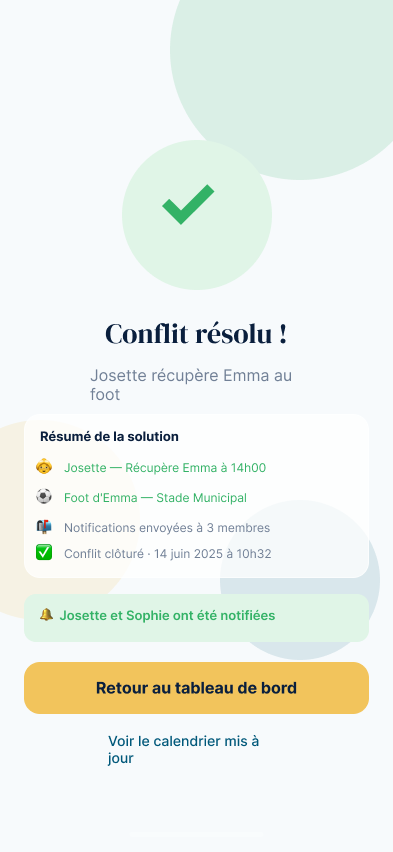
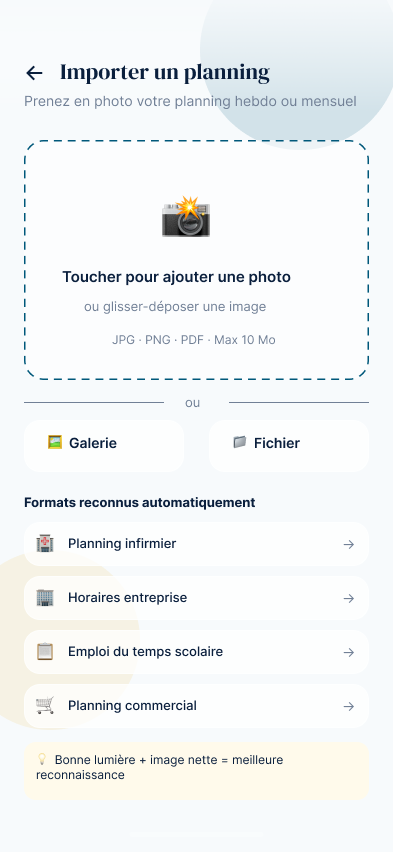
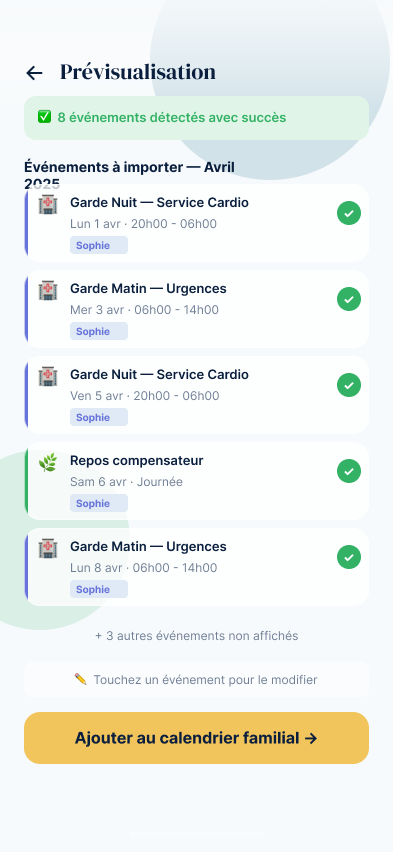
Each pain point was translated into a solution principle before any screen was drawn: a centralized calendar with per-member filters, 3-level privacy (public / hidden / private), AI-based conflict detection with actionable suggestions (loop in a caregiver, reschedule), OCR schedule scanning with manual validation, work-mode declaration (remote / office / traveling), and a simplified kids interface (colored blocks, emojis, "who's picking me up").
8 personas built from the pain points identified during research — from Sophie (a nurse, a separated mother with shared custody) to Emma (13, who just wants to know "who's picking me up") — expressed as 5 storyboards ("before / with Templia / outcome"): a format that forces you to prove the added value on a concrete case rather than staying at the feature level.
V1 was designed by hand. For the following versions, I adopted a collaboration mode with AI close to a classic design critique session: Claude quickly generated drafts, I gave feedback the way I would to a junior designer — then applied the changes myself in Figma, or handed off precise instructions for batch changes (Google authentication, Parent / Child / Caregiver roles, filters, "Week A/B" recurrence, companion field). Only V3 reached the confidence level needed to be shown here.
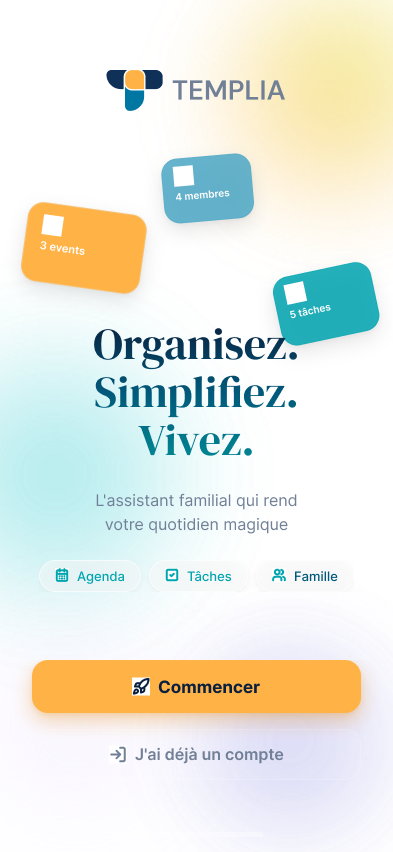
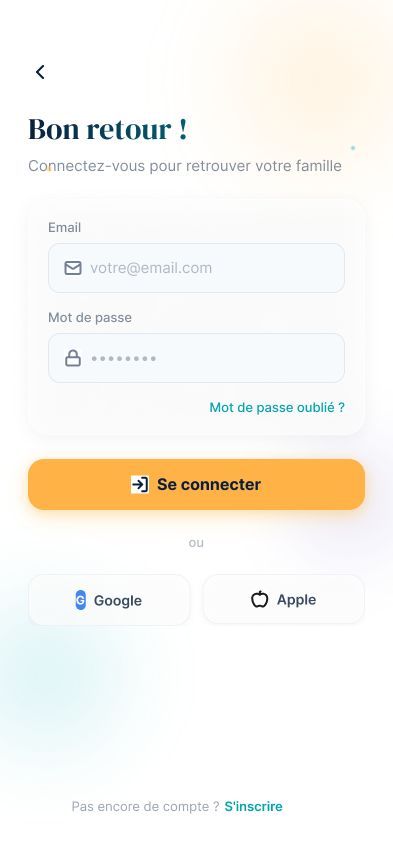
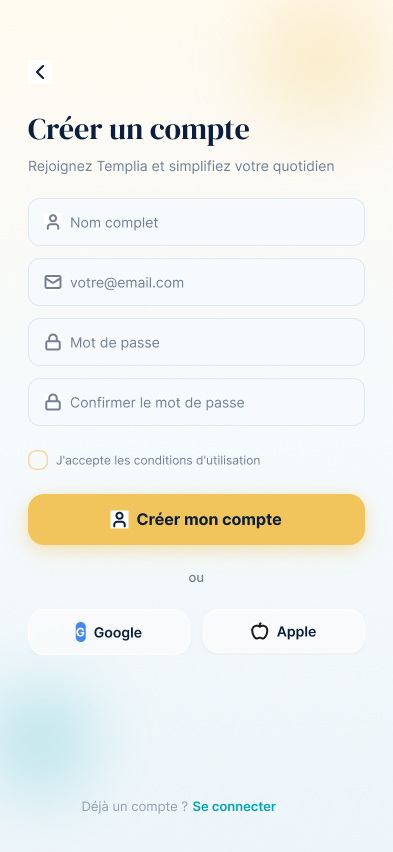
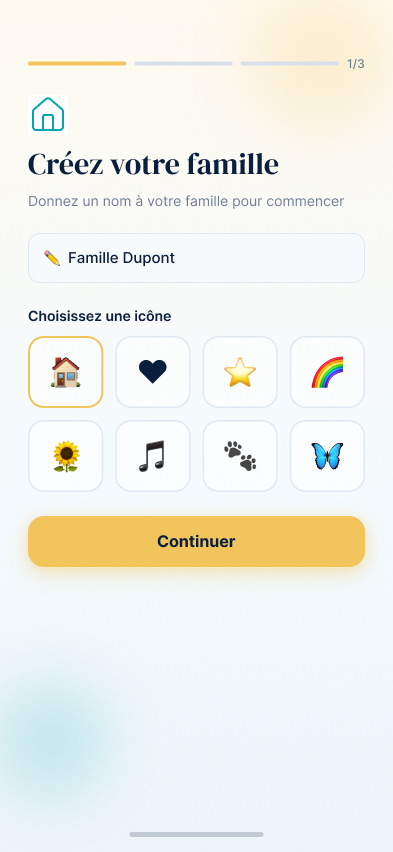
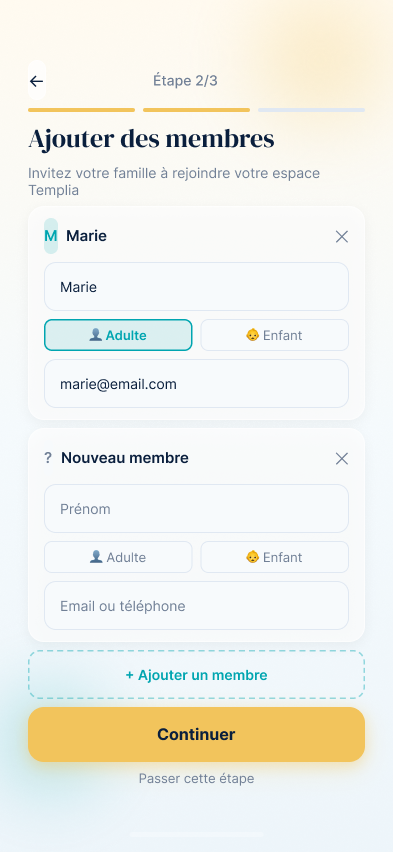
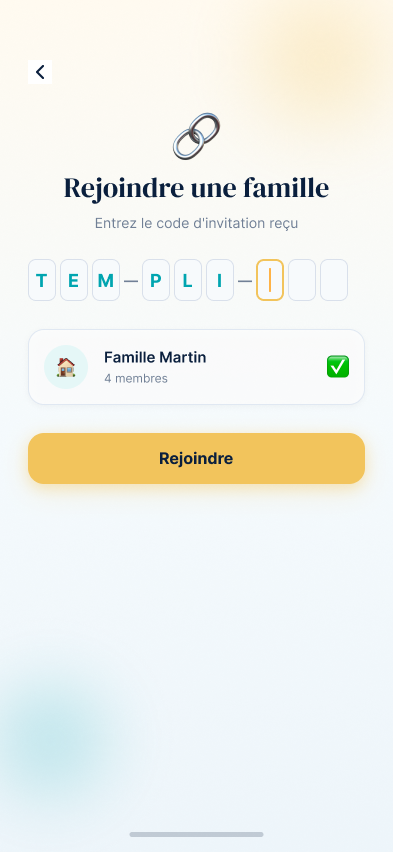
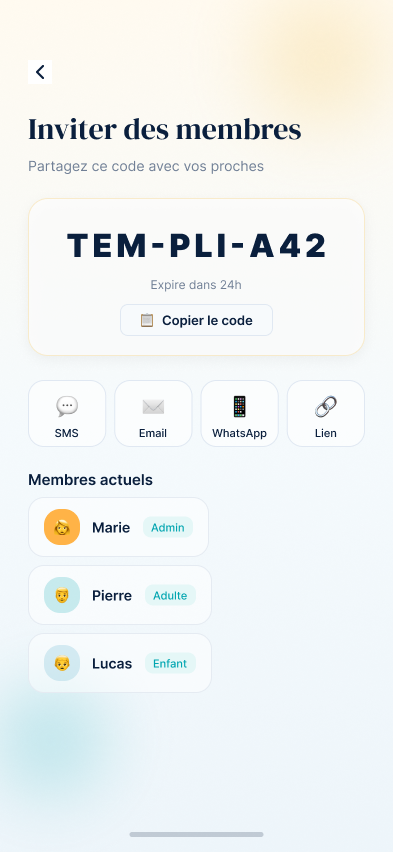
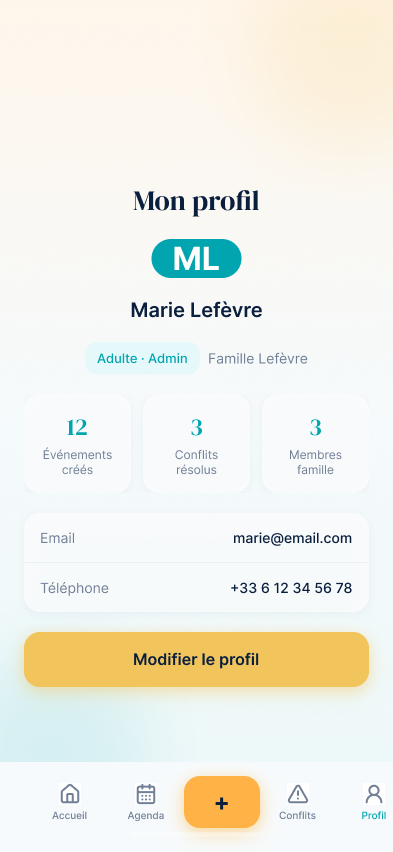
Translating validated wireframes into high-fidelity interfaces — Blue Ocean / Teal / Turquoise palette, reusable components, 40+ screens covering onboarding, the core product (calendar, events), AI conflict detection, and OCR schedule import.
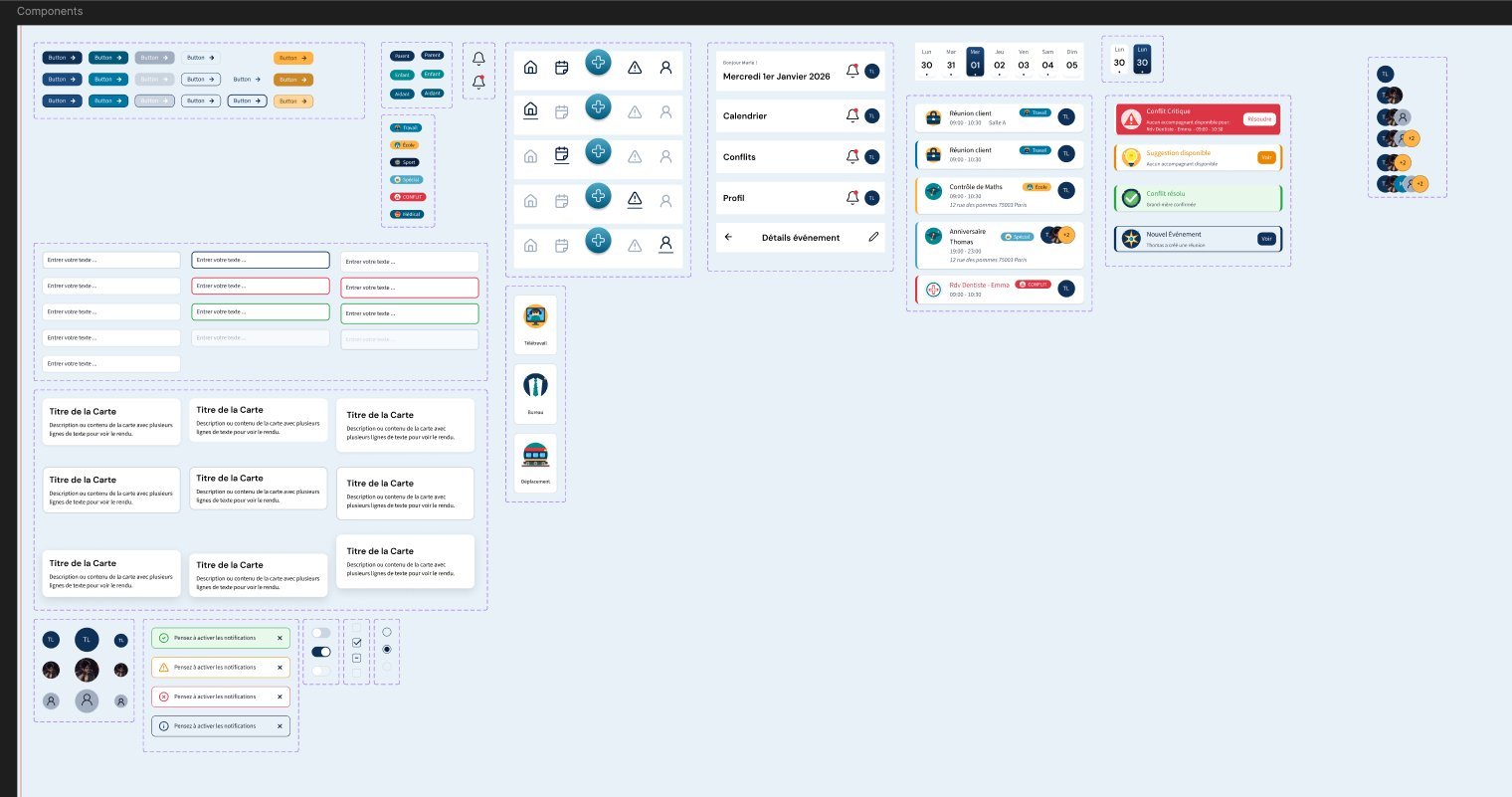
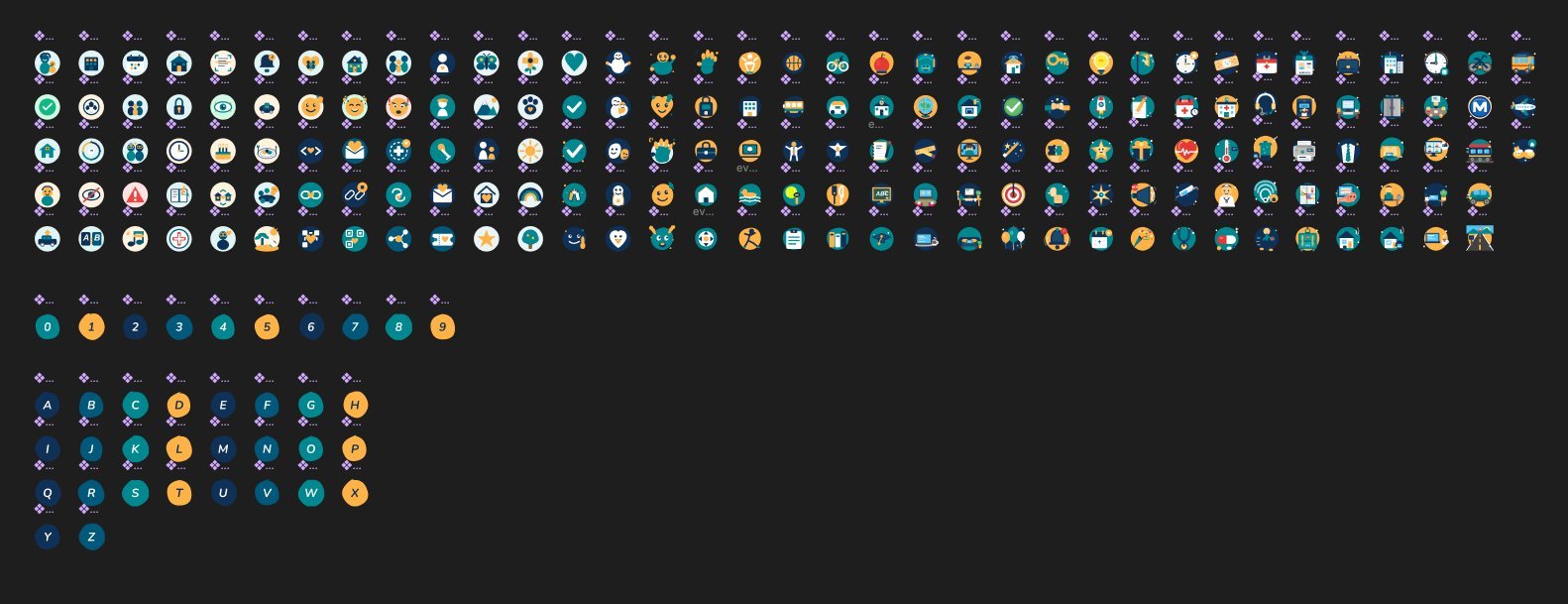
49 design variables, 100+ custom icons in an organic blob style, documented components (buttons, tags, inputs, avatars) — built to be directly usable by a dev team, not just a style board.
1 detailed PRD, 44 dev tickets spread across 4 sprints, a defined tech stack (React / Vite / Tailwind on the front end, Node / Express / Prisma / SQLite on the back end) — a handoff ready to be picked up by a development team.
Key points
Schedule OCR
Automatic recognition of photographed hospital schedules
AI Detection
Proactive identification of family scheduling conflicts
Kids Mode
A simplified, colorful interface for younger family members
Deliverables
Personas
User Journeys
Design Variables
Custom Icons
Detailed PRD
Dev Tickets
Planned Sprints
Color styles
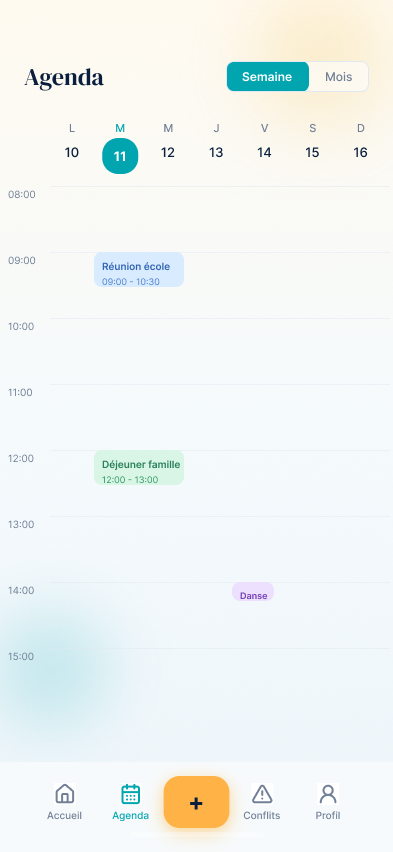
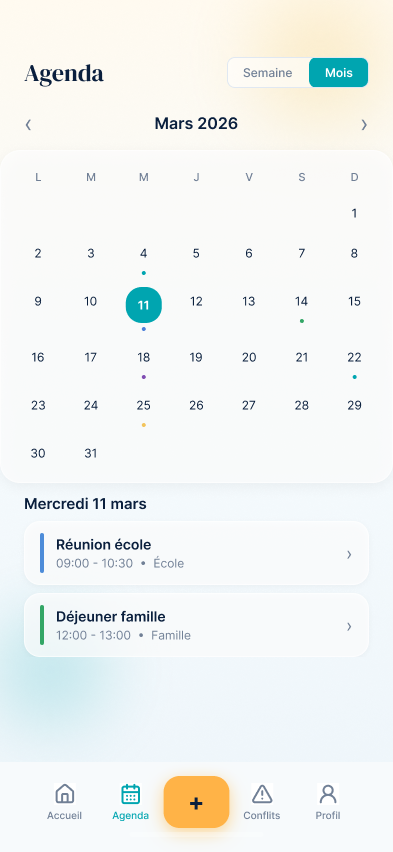
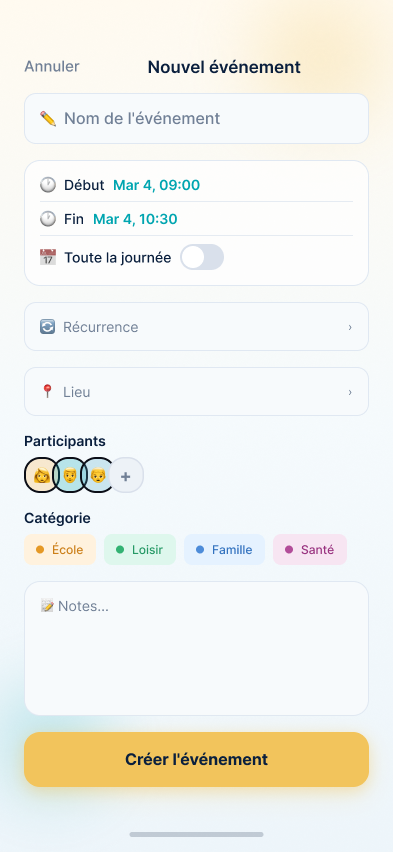
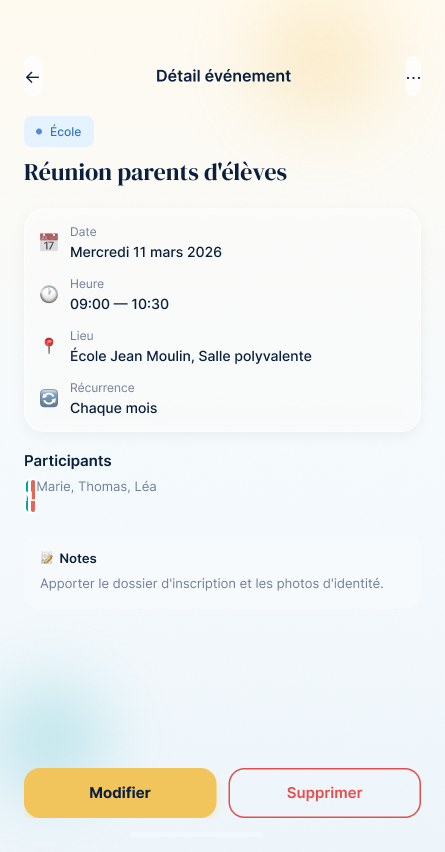
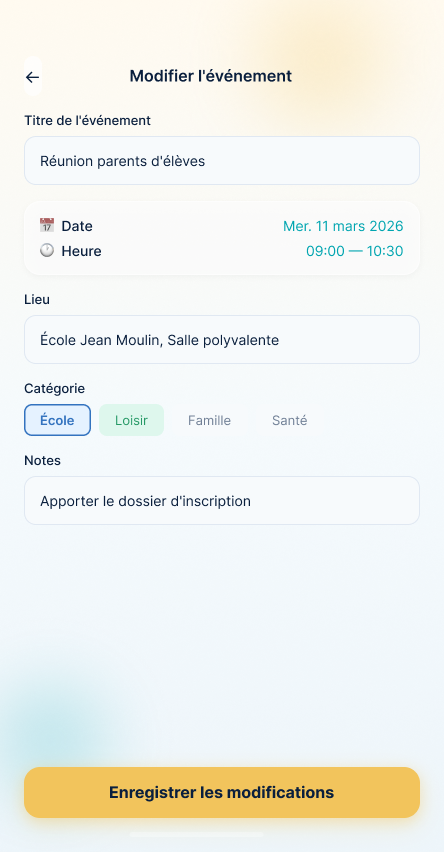
App Screens
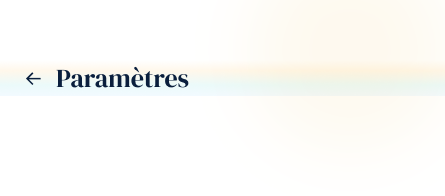
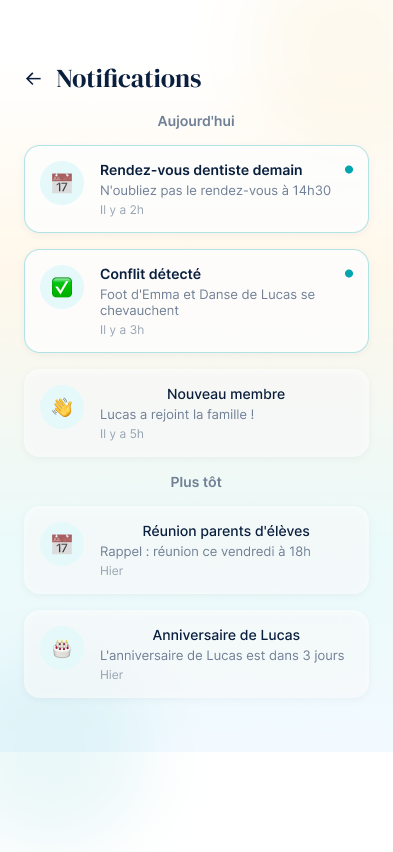
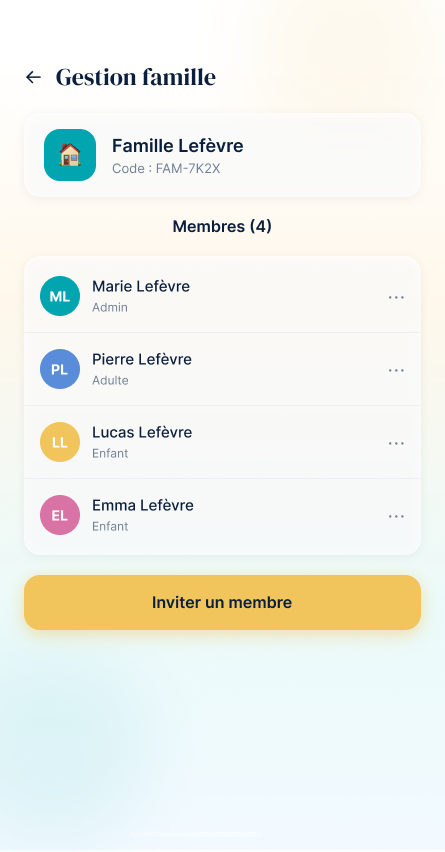
25 screens · V3, light mode — dark mode also available on request

Design System
Complete system created with Figma and Tokens Studio
Color Variables
Typography / Mobile
| Style | Weight | Size |
|---|---|---|
| Header / H1 | Bold | 32px |
| Header / H2 | Bold | 20px |
| Label / L1 | Regular | 18px |
| Label / L2 | Bold | 16px |
| Body / B1 | Regular | 14px |
| Body / B2 | Regular | 10px |
Assets
UI Components
📚 School
⚽ Sport
⚠️ Conflict
Components Library
Iconography
100+ custom icons in an organic blob style
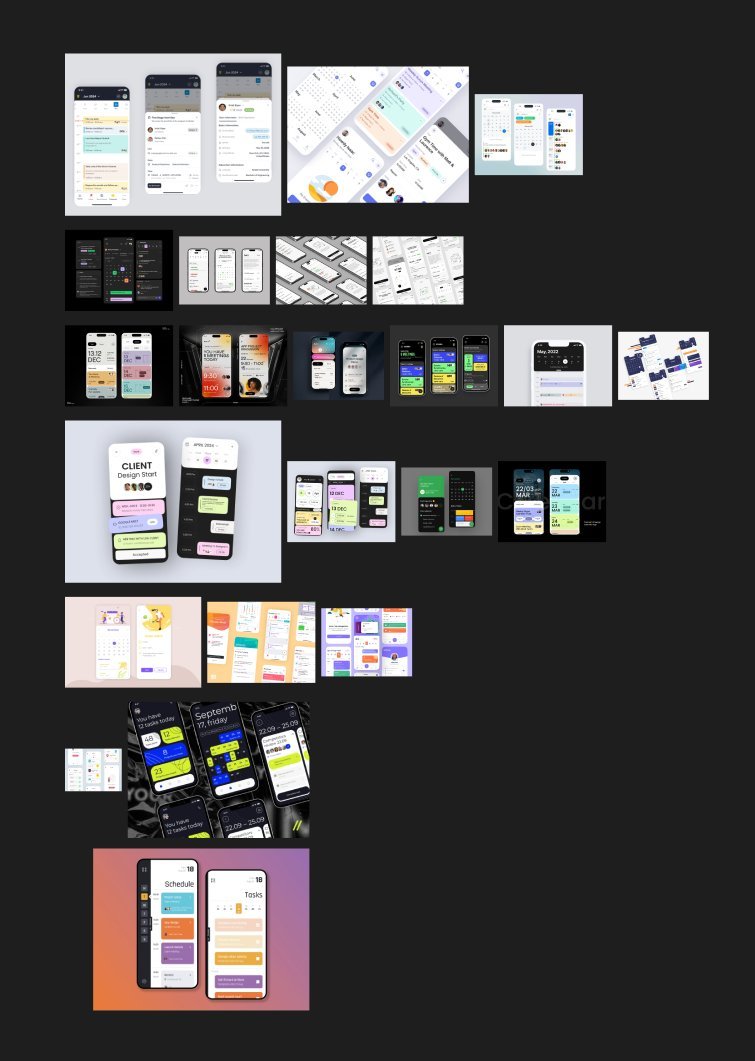
Research & Inspiration
Next steps
- ✓ Complete Design System with 49 variables and 100+ icons
- ✓ Technical specifications and 44 dev tickets ready
- → MVP development planned over 4 sprints